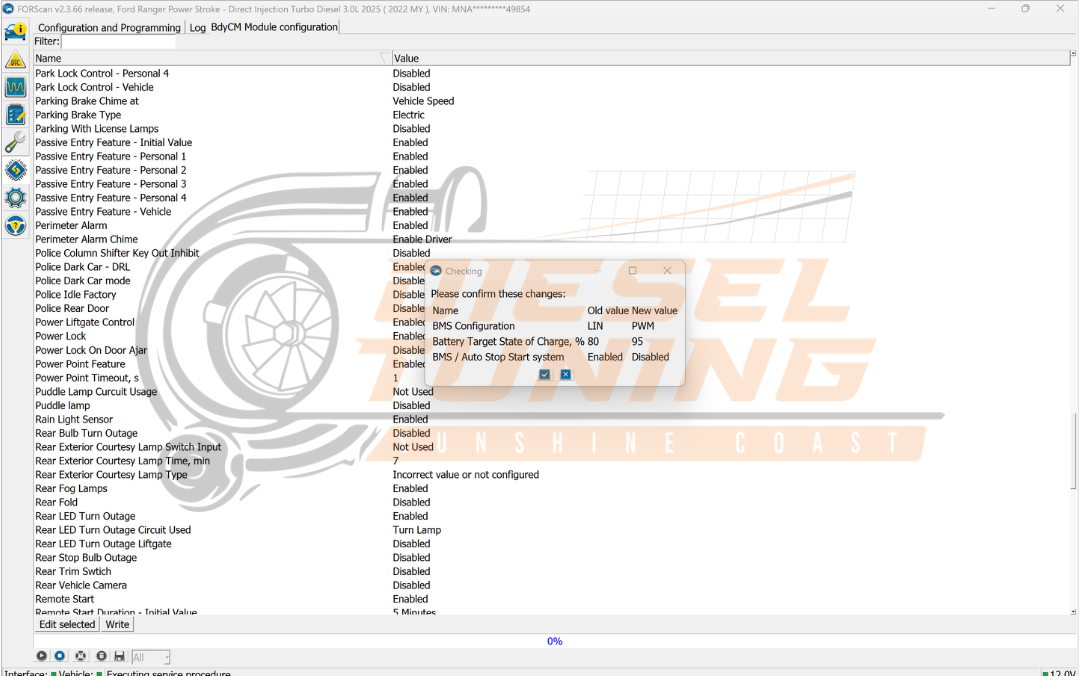
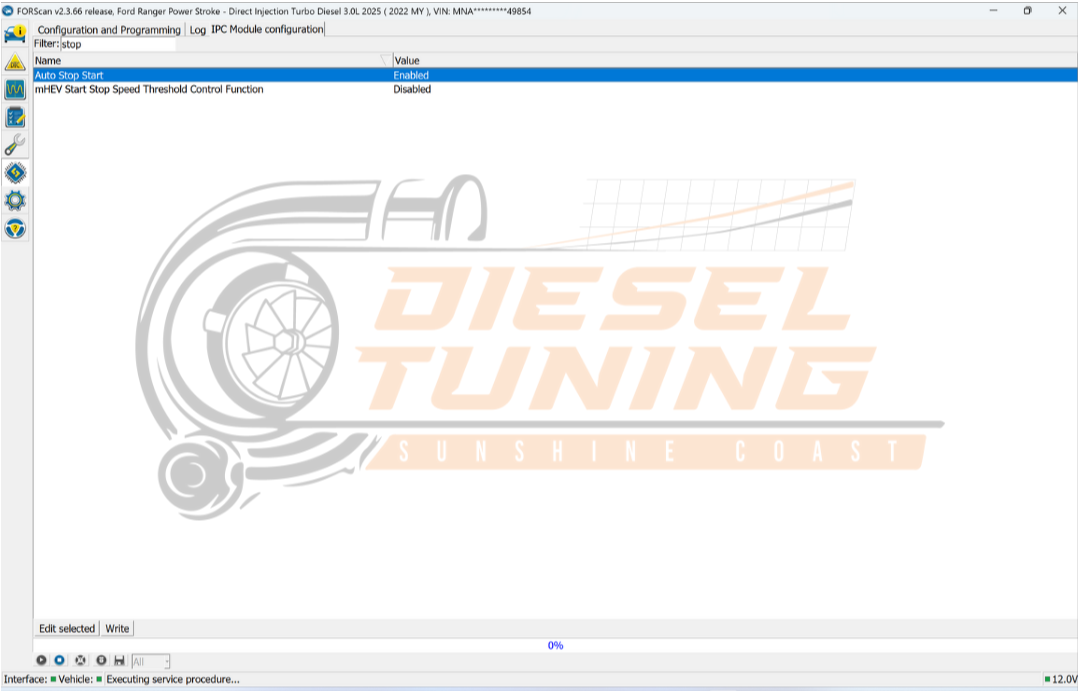
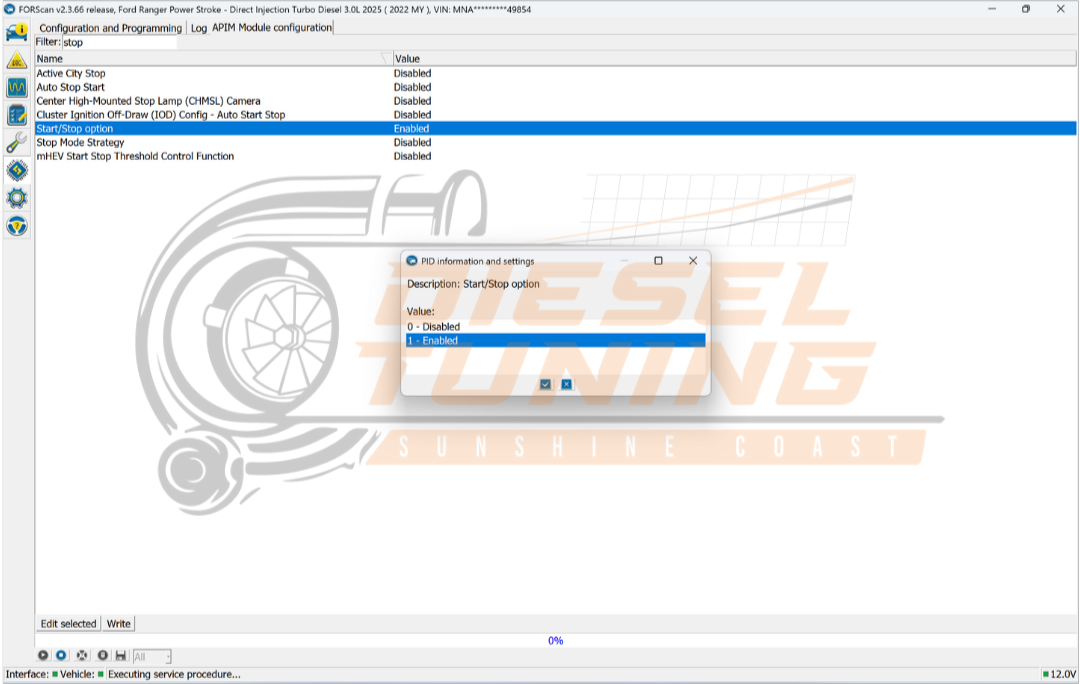
Understanding Auto Start/Stop Technology
The Auto Start/Stop feature is designed to enhance fuel efficiency by turning off the engine when the vehicle is stationary. This technology is particularly beneficial in urban environments where stop-and-go traffic is common, helping to reduce emissions and conserve fuel.
However, many drivers find this feature inconvenient, especially in situations like idling at traffic lights, where the engine's frequent restarting can be disruptive. Understanding how this system works can help users make informed decisions about whether to disable it or not.
Method 2 — Vehicle menu (where available)
For vehicles equipped with a digital menu interface, disabling Auto Start/Stop can often be done through the vehicle's settings. This method provides a more permanent solution compared to the dash button, allowing users to customize their driving experience directly from the vehicle’s onboard system.
To access this feature, users typically navigate to the vehicle settings, select the driving preferences, and then find the Auto Start/Stop option. This method may vary by model, so consulting the vehicle’s manual is recommended for precise instructions.
Common Misconceptions About Auto Start/Stop
Many drivers have misconceptions about the Auto Start/Stop feature, believing it to be detrimental to their vehicle's engine health. In reality, modern engines are designed to handle the frequent starting and stopping associated with this technology.
Furthermore, some users worry that disabling the feature will lead to increased fuel consumption. However, studies show that in certain driving conditions, keeping the engine running can be less efficient than utilizing Auto Start/Stop, thus emphasizing the importance of understanding the feature's benefits and drawbacks.
Tips for Maintaining Your Vehicle After Disabling Auto Start/Stop
After disabling the Auto Start/Stop feature, it’s essential to maintain your vehicle properly to ensure optimal performance. Regular checks on the battery and electrical systems are crucial, as these components play a significant role in overall vehicle efficiency.
Additionally, drivers should monitor fuel consumption and engine performance post-modification. Keeping an eye on these factors can help identify any potential issues early, ensuring that the vehicle continues to operate smoothly without the Auto Start/Stop feature.